
California Business Entity Search: Quick Answer
The California Business Entity Search is a free online search service from the California Secretary of State that allows you to search registered corporations, limited liability companies (LLCs), limited partnerships (LPs), and nonprofit corporations. It can be used to confirm if a business exists, check its status, view its filing history and many public business documents.
This is the official first place to start your search whether you’re starting a new company, researching existing business or verifying the legal status of a company.
What Is the California Business Entity Search?
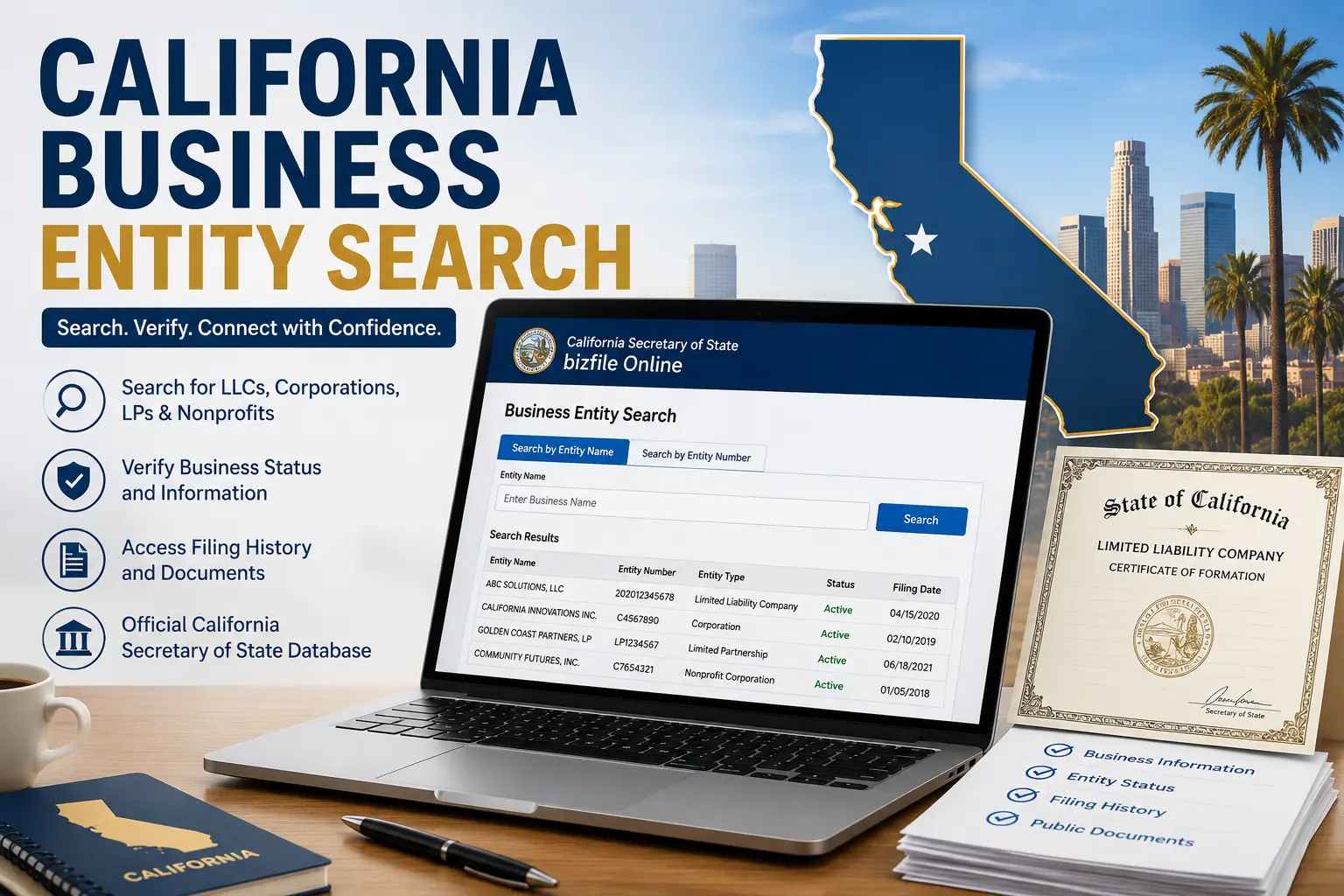
The California Business Entity Search is an application on the Secretary of State’s bizfile Online portal. It offers public access to millions of California business records, enabling anyone to look up registered business names without having to pay anything.
The search database includes:
- Limited Liability Companies (LLCs)
- Corporations
- Limited Partnerships (LPs)
- Nonprofit Corporations
Over 17 million business documents are stored in the database, such as Statements of Information and other public documents that are available to view, or to download as a PDF file.
Why Would You Use a California Business Entity Search?
There are numerous motives to look into California enterprise records.
The most common include:
- Verify that a business legally exists.
- Check whether an LLC or corporation is active.
- Research a company’s filing history.
- Find a business entity number.
- Review public filing documents.
- Check if a business name may already be in use.
- Perform due diligence before signing contracts.
This database is used by business owners, attorneys, accountants, investors, lenders and customers, regularly.
How to Search for a California Business
Searching the database only takes a few minutes.
Step 1: Open the Official Business Search
Check out the California Secretary of State’s bizfile Online Business Search. Searches are possible by business name or entity number.
Step 2: Enter the Business Name
Enter the company name as closely as you can as far as spelling.
As the search is keyword-based, it is possible that you may not know the exact spelling, so consider searching for a portion of the name.
Step 3: Review the Results
The results will usually appear like this:
- Entity Name
- Entity Number
- Entity Type
- Status
- Initial Filing Date
- Jurisdiction
Choose a business that you are interested in and see more public information.
Step 4: View Business Details
You may find these types of data in a business record:
- Entity number
- Registration date
- Current status
- Jurisdiction
- Agent for service of process
- Filing history
- Statement of Information due date
- Public filing documents (when available)
Specific information will vary based on type of entity and filing history.
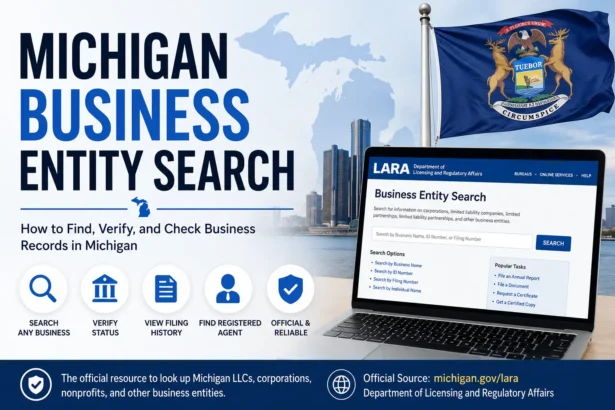
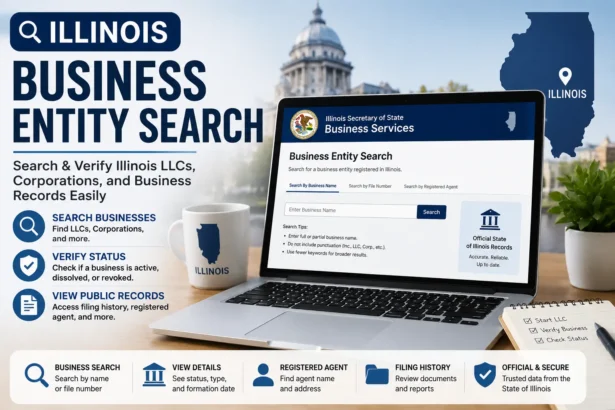
If you’re researching businesses in other states, check out our guides on Illinois Business Entity Search, Michigan Business Entity Search, and Maryland Business Entity Search.
What Information Can You Find?
The California Business Entity Search gives access to a number of public business records. Although the volume of information will differ depending on the entity type, a typical record might contain:
- Business name
- Entity number
- Entity type (LLC, Corporation, LP, etc.)
- Current business status
- Registration date
- Jurisdiction of formation
- Agent for service of process (when publicly available)
- Filing history
- Statement of Information filing dates
- Public documents available for download
This information can be used to verify that a business is registered and if it is in good standing at this time.
How to Check if an LLC Name Is Available
The entrepreneurs make use of the California Business Entity Search prior to forming a new company.
The following is a simple process:
Search the Existing Database
Use the official business name search tool to find your desired business name.
When a similar or confusingly similar name is already taken, you might have to select another name.
Review Similar Results
If your name is not mentioned, check out businesses with names similar to yours.
California has rules to minimize confusion among registered entities.
Reserve Your Business Name
If your desired name seems to be available, you might be able to reserve it prior to finalizing the creation of your business. Check with the California Secretary of State for their current name reservation requirements before filing an application.
Note that just because something comes up in a search doesn’t mean that the name will be accepted when it is submitted for registration.
Understanding Business Status
The most beneficial information that is available in a business record is its status.
Let’s look at some of the typical statuses that you might come across:
Status | Meaning |
Active | The business is currently registered and generally authorized to operate. |
Suspended | The entity has lost certain legal rights, often because of tax or filing issues. |
Canceled | The business registration has been officially canceled. |
Dissolved | The business has formally ended its legal existence. |
Merged Out | The entity has merged into another business. |
Converted | The entity changed to a different business structure. |
If you are thinking about working with a company, it is essential you check that it is Active.
Common Search Problems
In some cases, the user may not be able to locate the business that they are searching for immediately.
Here are a few common reasons:
Incorrect Spelling
Any typographical error can impact search results.
If you’re not sure, search using only half of the name.
Recently Registered Businesses
It may take a while for newly established businesses to be visible in the online database.
Different Legal Name
A number of companies have a brand name different from their legal entity name.
Use the official registered name for better results in the search.
Searching by Owner Name
The California Business Entity Search is intended to be used to search by entity name and entity number. It cannot be used by the business owner to search the names of all businesses.
Tips for Better Search Results
If you want to find the right track, do the following:
- Search using only the first few words of the business name.
- Avoid unnecessary punctuation.
- Double-check spelling.
- Use the entity number if it’s available.
- Review multiple similar results before assuming a business isn’t registered.
These simple techniques often help locate records more quickly.
Frequently Asked Questions
1. Is the California Business Entity Search free?
Yes. The California Secretary of State makes the Business Entity Search available free to the public via the official bizfile Online portal. You don’t have to register to search for registered businesses.
2. Can I search by business owner name?
Generally, no. The California Business Entity Search is not conducted by name of the owner, it is conducted by business name or entity number.
3. Can I check if an LLC name is available?
Yes. It is a good idea to first look in the database to check if there is any other business with the same name. But search results do not ensure that a name will be approved when it is registered.
4. What does “Suspended” mean?
In California, a suspended business is a business that has been suspended for one reason or another, usually due to non-payment of taxes, or due to some requirement to be fulfilled. The particular cause may vary according to the case.
5. Can I download business documents?
Yes. There are also a lot of entity records that have publicly accessible filings which may be viewed or downloaded via the official bizfile Online system.
6. How often is the database updated?
Business records are updated regularly by the Secretary of State, although some time may be required for newly formed businesses to be displayed online and to show up in the records.
7. Can I search for corporations and LLCs together?
Yes. The California Business Entity Search covers several business entities, including corporations, limited liability companies (LLCs), non-profit corporations and limited partnerships.
8. Is the information legally reliable?
Yes. The Secretary of State keeps the database and it is the official source for business entity records in California.
Conclusion
The California Business Entity Search is an indispensable resource for business owners, investors, entrepreneurs and anyone wanting to confirm a company’s registration or legal status. The official Bizfile Online database offers accurate and up-to-date information from the California Secretary of State, whether you’re searching for an LLC name, are looking into a corporation before entering into business, or are viewing public filing records.
A search can be the first step to determining whether you are entering a business relationship or forming a business without naming conflicts, confirming that a business is in good standing, and more accurately making informed choices.