


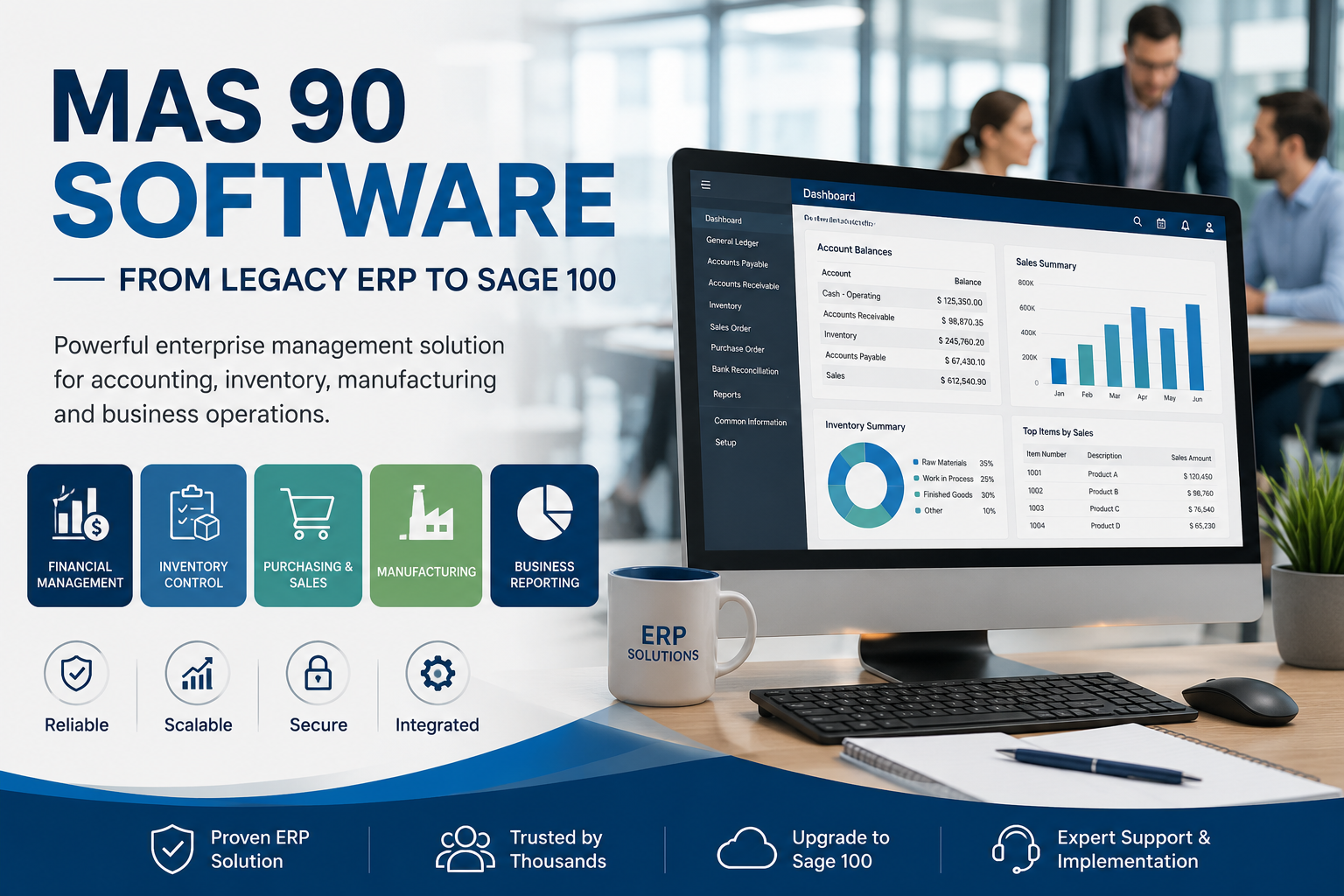
MAS 90 Software: Quick Answer
MAS 90 software is an aging Enterprise Resource Planning (ERP) and accounting system designed to assist small and medium enterprises in handling financial transactions, inventory, purchasing, sales and manufacturing. As time passed, the software continued to grow and change, and was renamed to Sage 100, which is still developed and supported with modern features.
While many companies still use the name MAS 90, the current product is called Sage 100 ERP. Older versions of MAS 90 may make organizations think about upgrading to reap the benefits of enhanced security, cloud integration, automation and support.
What Is MAS 90 Software?
MAS 90 is a business management system that integrates accounting and business operations in one place. It enables businesses to run various departments on a single platform, minimizing manual tasks and ensuring data precision.
MAS 90 was designed for on-premises use, and was widely adopted by companies that required greater functionality than traditional accounting software, but were not yet ready to move to larger enterprise ERP systems.
Typical business functions supported by MAS 90 include:
- Financial accounting
- Accounts payable
- Accounts receivable
- Inventory management
- Sales order processing
- Purchasing
- Payroll integration
- Manufacturing
- Business reporting
Because all modules share a common database, information entered in one area automatically updates related records across the system.
History of MAS 90
MAS 90 has been in the business software industry for decades.
It was originally created as an accounting system for expanding companies, and was extended to become a complete ERP system containing extra modules for inventory, manufacturing, distribution, and customer management.
Following Sage’s acquisition of the product line, MAS 90 underwent several generations and was eventually renamed to Sage ERP MAS 90 and eventually Sage 100.
Although the name MAS 90 is still familiar to many long-time users and IT professionals, new versions are built on the Sage 100 platform, which features improved security, state-of-the-art reporting features and integration capabilities.
Key Features
Financial Management
MAS 90 is a full-featured accounting solution which helps businesses to manage:
- General ledger
- Accounts payable
- Accounts receivable
- Bank reconciliation
- Fixed assets
- Cash management
These modules offer precise financial reporting and enable informed business decisions.
Inventory Management
The inventory module allows businesses to monitor stock levels, product movement, warehouse inventory and reorder points in real-time.
Key capabilities include:
- Inventory tracking
- Lot and serial number management
- Multiple warehouse support
- Automated purchasing suggestions
- Inventory valuation
Sales Order Processing
Sales staff can produce quotations, turn them into orders, generate invoices and keep track of shipments from a single source.
This decreases the order processing time and improves order accuracy.
Purchasing
The purchasing module simplifies the procurement process, enabling businesses to generate purchase orders, manage their vendors, track incoming goods, and keep a record of their purchasing history.
Manufacturing
Bills of materials (BOMs), production scheduling, work orders, and material planning are examples of areas where manufacturers can use MAS 90, making it appropriate for many light manufacturing environments.
Business Intelligence & Reporting
MAS 90 has reporting capabilities that aid managers in analyzing financial performance, inventory levels, sales trends, and operational data.
A number of organizations also embed reporting capabilities like Microsoft Excel or business intelligence solutions to enable more sophisticated analysis.
Industries That Use MAS 90
While Sage 100 has grown to be Sage, MAS 90 has been in use by numerous small and medium businesses in a variety of industries for years.
Common industries include:
Manufacturing
Manufacturers leverage MAS 90 to run their production, bills of materials (BOMs), inventory, purchasing, and financial reporting from one system.
Wholesale Distribution
Distributors use the software for inventory management, order processing, warehouse management and supplier coordination.
Retail
Retail stores can keep tabs on the stock, sales, buying and selling, and financial reports to help with daily operations.
Professional Services
For accounting, project costing, payroll integration, budgeting, and financial management, service-based companies frequently rely on MAS 90 for their accounting needs.
Construction
Construction companies may be implementing MAS 90 along with industry specific applications for accounting, purchasing and job costing.
MAS 90 vs. Sage 100
The one most often confused is the relationship between MAS 90 and Sage 100.
It’s as easy as that, MAS 90 became Sage 100. They’re not all that much different, though, as Sage went on developing and re-branding the software over time.
| Feature | MAS 90 | Sage 100 |
| Product Status | Legacy software | Current platform |
| Updates | Limited or unavailable | Regular updates |
| Security | Older security features | Enhanced security |
| Integrations | Limited | Modern API and cloud integrations |
| User Interface | Traditional desktop | Updated interface and workflows |
| Vendor Support | Depends on version | Fully supported (current releases) |
If your business is still using older versions of MAS 90, you can upgrade to Sage 100 to gain new features, improved performance and enhanced security.
Is MAS 90 Still Supported?
Support is available for the different versions.
Older versions of MAS 90 are no longer supported for official use, and are not receiving:
- Security updates
- Bug fixes
- Compliance updates
- Technical support from Sage
All releases of Sage 100 continue to be updated, enhanced and supported with technical assistance.
If you are still running an old version of MAS 90, it’s worth talking to a trusted Sage partner about upgrade options.
Pros and Cons
Pros
- Comprehensive ERP capabilities
- Strong accounting and financial management
- Reliable inventory control
- Suitable for growing small and medium-sized businesses
- Flexible modular design
- Long history of proven business use
Cons
- Older MAS 90 versions may no longer be supported
- Legacy interface can feel outdated
- Upgrades may require planning and migration
- Advanced customization often requires experienced consultants
- Some modern cloud features are available only in newer Sage 100 releases
Should You Upgrade to Sage 100?
If your business is still operating an old version of MAS 90, it’s likely a good idea to upgrade to Sage 100.
Potential benefits include:
- Improved cybersecurity protections
- Better compatibility with modern operating systems
- Continued vendor support
- Enhanced reporting tools
- Cloud-connected capabilities
- Access to new productivity features
Prior to upgrading, review your existing workflows, integrations, customizations and reports to make sure you have a seamless migration.
Frequently Asked Questions
1. What is MAS 90 software?
MAS 90 is an old Enterprise Resource Planning (ERP) and accounting software that was developed for small and medium businesses. It later became Sage 100, the present-day version of the platform.
2. Is MAS 90 the same as Sage 100?
Not precisely but they are very close. Over time, MAS 90 was rebranded and improved, and eventually became Sage 100. While retaining many of the core MAS 90 capabilities, Modern Sage 100 provides updated features, enhanced security and continues to be supported.
3. Is MAS 90 still supported?
Support varies with version. Numerous older versions of MAS 90 have come to the end of their support and will no longer benefit from updates and security patches. The latest releases of Sage 100 are still being supported with regular maintenance and technical assistance.
4. What businesses use MAS 90?
MAS 90 has been widely used by businesses in:
- Manufacturing
- Wholesale distribution
- Retail
- Professional services
- Construction
It’s especially favored by small and medium business that need more than basic accounting software.
5. What are the main features of MAS 90?
Key features include:
- Financial accounting
- Accounts payable and receivable
- Inventory management
- Sales order processing
- Purchasing
- Manufacturing support
- Payroll integration
- Business reporting
6. Can MAS 90 be upgraded?
Yes. The migration process to Sage 100 for older MAS 90 versions will typically involve data conversion, testing, and support from an experienced Sage implementation partner, but can be completed for most businesses.
7. Is MAS 90 cloud-based?
The initial version of MAS 90 was developed for on-premises use. Depending on your implementation, Modern Sage 100 provides cloud connected features and can be hosted in the cloud.
8. Is MAS 90 suitable for new businesses?
Although a few organizations still use older versions of MAS 90, most new implementations opt for Sage 100 due to its updated capabilities, enhanced security, ongoing updates, and vendor support.
Final Verdict
MAS 90 software was crucial in assisting thousands of businesses to run their accounting, inventory, manufacturing and everyday operations using one ERP system. The original name is still well known but it’s now called Sage 100, and that is the platform that is still being developed.
If you are still running an older version of MAS, you may be able to upgrade to Sage 100 for increased security, enhanced integration, superior reporting capabilities, and ongoing support. If you’re considering ERP solutions today, it’s important to know what’s gone on with MAS 90 to help you understand why Sage 100 remains a trusted ERP solution for many growing businesses.