
NC Secretary of State Business Search: Quick Answer
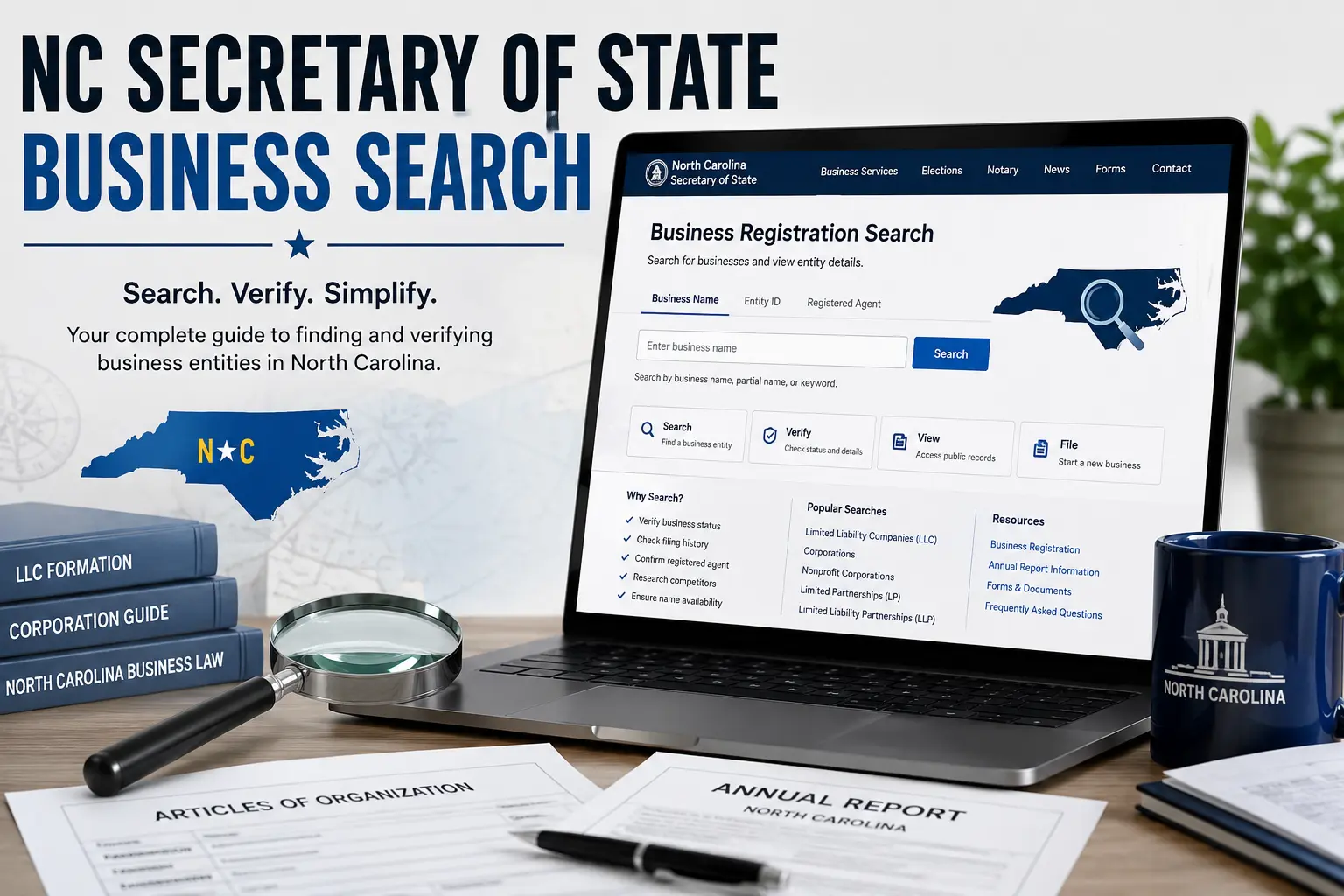
The NC Secretary of State Business Search is the official online database maintained by the North Carolina Secretary of State. It allows anyone to search public records for registered businesses, including LLCs, corporations, limited partnerships, and nonprofit organizations.
Using this free search tool, you can:
- Verify that a business is registered in North Carolina.
- Check an entity’s current status.
- View filing history and registration details.
- Find the registered agent (when publicly available).
- Confirm whether a business name is already in use.
Whether you’re starting a new company, researching a potential business partner, or verifying an existing organization, the NC Secretary of State Business Search is the most reliable place to begin.
What Is the NC Secretary of State Business Search?
The NC Secretary of State Business Search is an official public records database that provides information about businesses registered in North Carolina.
It includes records for various entity types, such as:
- Limited Liability Companies (LLCs)
- Corporations
- Nonprofit corporations
- Limited partnerships (LPs)
- Limited liability partnerships (LLPs)
- Professional entities
The database is regularly updated as businesses register, file annual reports, change registered agents, or update other required information.
Why Use the Business Search?
There are many situations where checking a business through the official database can be helpful.
Verify a Business
Before signing contracts or making payments, you can confirm that a company is legally registered and currently active.
Check Business Status
The search tool lets you see whether an entity is active, dissolved, suspended, or has another legal status.
Research Competitors
Business owners often use the database to learn more about competitors, including registration dates and entity types.
Confirm LLC Name Availability
Entrepreneurs can search existing records before choosing a business name, helping reduce the risk of selecting one that’s already in use.
Review Public Filings
Many records include links to annual reports and other publicly available documents, making it easier to verify a company’s filing history.
How to Search for a Business in North Carolina
Searching the database is simple and only takes a few minutes.
Step 1: Open the Official Search Tool
Visit the North Carolina Secretary of State’s official Business Registration Search page.
Step 2: Enter Your Search
You can search using:
- Business name
- Entity ID
- Registered agent name (where supported)
Entering only part of a business name can help if you’re unsure of the exact spelling.
Step 3: Review the Results
The search results usually display:
- Business name
- Entity type
- Current status
- Date of formation
- Entity identification number
Select the correct record to view additional information.
Step 4: Open the Business Record
The detailed record typically includes filing history, registered agent information, principal office details (where publicly available), and links to available documents.
Search Options Explained
The database supports several ways to locate a business.
Business Name Search
This is the most common option and works well when you know all or part of the company’s legal name.
Entity ID Search
If you already know the entity number, searching by ID is usually the fastest and most accurate method.
Registered Agent Search
In some cases, you can search using the registered agent’s name to locate businesses associated with that individual or company.
Understanding Business Status
When you open a business record, you’ll see its current legal status. This status tells you whether the company is authorized to operate in North Carolina.
Some common statuses include:
Active
An Active status means the business is currently registered and in good standing with the North Carolina Secretary of State.
Dissolved
A Dissolved business has officially ended its legal existence or has been administratively dissolved for failing to meet state requirements.
Suspended
A Suspended status generally indicates the business has lost certain legal rights because it failed to comply with filing or regulatory obligations.
Withdrawn
A Withdrawn entity is one that was previously authorized to do business in North Carolina but has voluntarily ended its registration within the state.
Always review the official business record for the exact status description and any related filing history.
What Information Can You Find?
Each business record may contain a variety of publicly available details, including:
- Business name
- Entity ID number
- Entity type (LLC, Corporation, Nonprofit, etc.)
- Current status
- Date of formation
- State of formation (for foreign entities)
- Registered agent name
- Registered office address
- Principal office address (when available)
- Filing history
- Annual reports
- Related public documents
The amount of information displayed depends on the type of entity and the records available.
How to Check LLC Name Availability
If you’re planning to start a business in North Carolina, checking name availability is an important first step.
Step 1
Search the proposed business name using the official Business Search tool.
Step 2
Review businesses with similar names to see if your desired name is already registered or too similar to an existing entity.
Step 3
If no conflicting records appear, your preferred name may be available. However, availability is determined only after the Secretary of State reviews your filing.
For the best chance of approval:
- Choose a unique business name.
- Avoid names that could confuse consumers.
- Include the required designator (such as LLC or Inc.) when applicable.
- Follow North Carolina naming requirements.
Common Search Problems
Occasionally, users may have trouble finding a business. Here are some common reasons.
Incorrect Spelling
Even a small typo can prevent the correct record from appearing. Try searching with only part of the business name if you’re unsure of the exact spelling.
Recently Registered Businesses
Newly formed businesses may not appear immediately if the filing is still being processed.
Different Legal Name
Many businesses operate under a trade name (DBA) that differs from their official legal entity name. Searching the legal name usually provides better results.
Inactive or Dissolved Entities
Older businesses that have dissolved or withdrawn may still appear in the database, but their status will indicate they are no longer active.
Suggested Internal Link: Building a nationwide business research resource? Link this guide with your articles on California Business Entity Search, Illinois Business Entity Search, Maryland Business Entity Search, and Michigan Business Entity Search to help readers navigate business searches across different states.
Frequently Asked Questions
1. What is the NC Secretary of State Business Search?
The NC Secretary of State Business Search is the official online database where you can look up registered businesses in North Carolina, including LLCs, corporations, nonprofits, and partnerships.
2. Is the NC business search free?
Yes. The official business search provided by the North Carolina Secretary of State is free to use and accessible to the public.
3. Can I search by LLC name?
Yes. You can search using a complete or partial business name, making it easier to find an LLC even if you’re unsure of the exact spelling.
4. How do I know if a business is active?
Open the business record and check the Status field. If it shows Active, the business is currently registered with the state.
5. Can I check if an LLC name is available?
Yes. Searching the database is a good first step to see if your desired name is already in use. However, final approval is determined when your business formation documents are reviewed by the Secretary of State.
6. What information does the business search provide?
Depending on the entity, you may find:
- Business name
- Entity ID
- Business type
- Registration date
- Current status
- Registered agent
- Filing history
- Annual reports
- Public documents
7. Can I search using an Entity ID?
Yes. If you know the Entity ID number, it’s one of the quickest and most accurate ways to locate a specific business record.
8. What should I do if I can’t find a business?
Double-check the spelling, try searching with only part of the business name, search by Entity ID if available, or allow additional processing time if the business was recently registered.
Conclusion
The NC Secretary of State Business Search is the official and most reliable resource for verifying businesses registered in North Carolina. Whether you’re checking the status of an LLC, researching a corporation, confirming a registered agent, or searching for an available business name, the database provides quick access to essential public records.
For entrepreneurs, investors, and consumers alike, using the official search tool helps ensure you’re working with accurate, up-to-date business information before making important decisions.